

An IT Services Demo Funnel That Keeps Support Incidents Out of Sales Forms
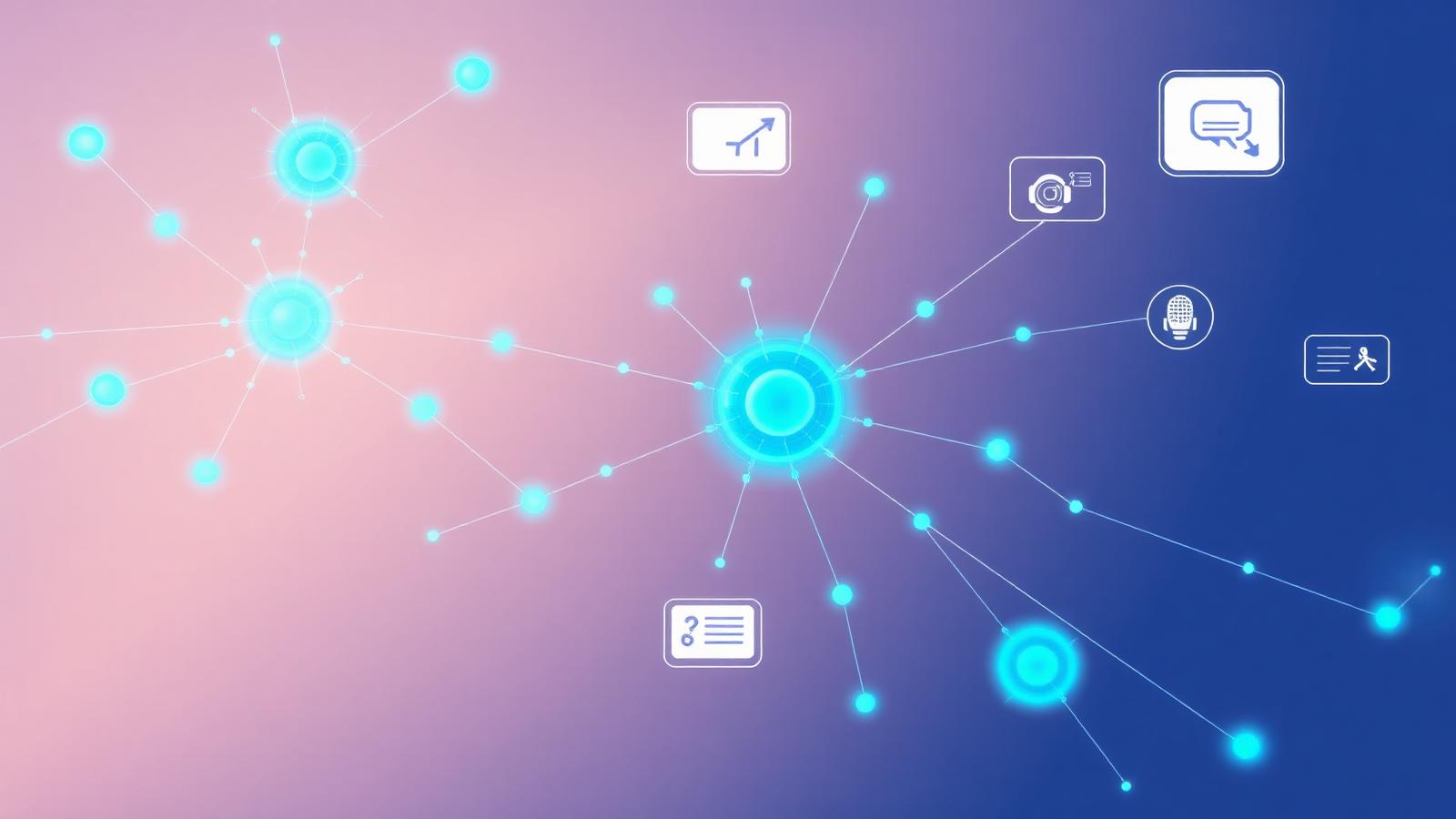
An IT services company should keep two doors clearly separate: a demo or consultation request for prospects, and a dedicated support channel for existing clients with incidents. The demo form asks about requirements and timing, routes to an account owner and never asks for credentials or incident details. Urgent support and security issues go to the published support line or portal, not a sales queue.
Why mixing them causes harm
When a client with an outage or suspected security incident fills in the website's "Contact us" form, their request may sit in a sales inbox. Meanwhile, sales staff receive technical details they should not handle. Separating the paths protects clients and keeps sales focused.
Two doors
| Visitor | Need | Path | Owner |
|---|---|---|---|
| Prospect | Evaluate services | Demo or consultation request | Account executive |
| Existing client, routine | Help request | Support portal | Support team |
| Existing client, urgent or security incident | Immediate response | Published emergency line or incident process | On-call engineer |
| Partner or vendor | Business inquiry | General inbox | Operations |
Put a visible "Existing client? Get support" link in the site header, separate from "Book a demo."
The demo request form
Ask about the prospect's situation, not their systems' secrets:
- Company name and size range
- Industry
- Services of interest (managed IT, cybersecurity assessment, cloud migration)
- Current setup in general terms (for example, "about 20 laptops, cloud email")
- Timing and decision process
- Contact preference
Add a note: "Please don't include passwords, network details or incident information. If you're an existing client with an urgent issue, use our support line."
Never collect credentials
Marketing forms, chat and email are not places for passwords, API keys, network diagrams or vulnerability details. If a prospect offers them, decline and explain that technical details will be handled securely once an engagement begins. Source: W3C WAI: Forms tutorial.
Hypothetical example: a managed IT provider
A fictional managed IT provider noticed that some urgent client requests were arriving through the demo form. It added a prominent "Support" link to every page, a banner on the demo form pointing clients to the support line, and a rule that any demo request mentioning "down," "breach" or "urgent" alerts the on-call engineer while the sender is told to call the support line. Demo requests route to the account executive for the prospect's size range. The provider's marketing tools contain no technical client data.
Routing demos
Route by company size, industry or service interest to the right account owner, with a backup and fallback queue. See routing leads to the right person. Confirmation should say what happens next: "An account manager will contact you within one business day to schedule a demo."
Follow-up
Demo follow-ups should address the prospect's stated needs. For B2B buyers, a short summary of how the engagement starts and what information you will need later is helpful. Avoid security fear tactics or unverified threat statistics. Source: Google Analytics Help: Best practices to avoid sending PII.
Checklist
- Separate support link visible on every page.
- Demo form asks about needs, not systems' secrets.
- Clear notice not to share credentials or incidents on the form.
- Urgent keywords trigger a support redirect.
- Demo routing by account owner with backup.
- No fear-based or unverified security claims.
Frequently asked questions
Should our chatbot handle support?
If it does, it should route clients to the support process quickly and never ask for credentials. Keep sales and support flows distinct.
Can we publish pricing?
If you have standard per-user or per-device pricing, publishing it helps prospects. Complex projects can list factors.
How do we measure the funnel?
Track demo requests, qualified demos and signed engagements separately; see measuring an inquiry separately from a sale.
Next step
Check that a client with an urgent issue can find your support path in one click from any page. Rithm's technology and IT services page has more, and see the related manufacturer RFQ funnel.
Sources and further reading
Editorial note: this planning guide was drafted with AI assistance for Rithm Digital and created on September 25, 2026. Examples are hypothetical. It is general marketing-operations guidance, not legal, medical, tax or financial advice. Prices refer only to Rithm's published Small Business Launch & Growth offer.
You might also like
Discover more content related to this topic
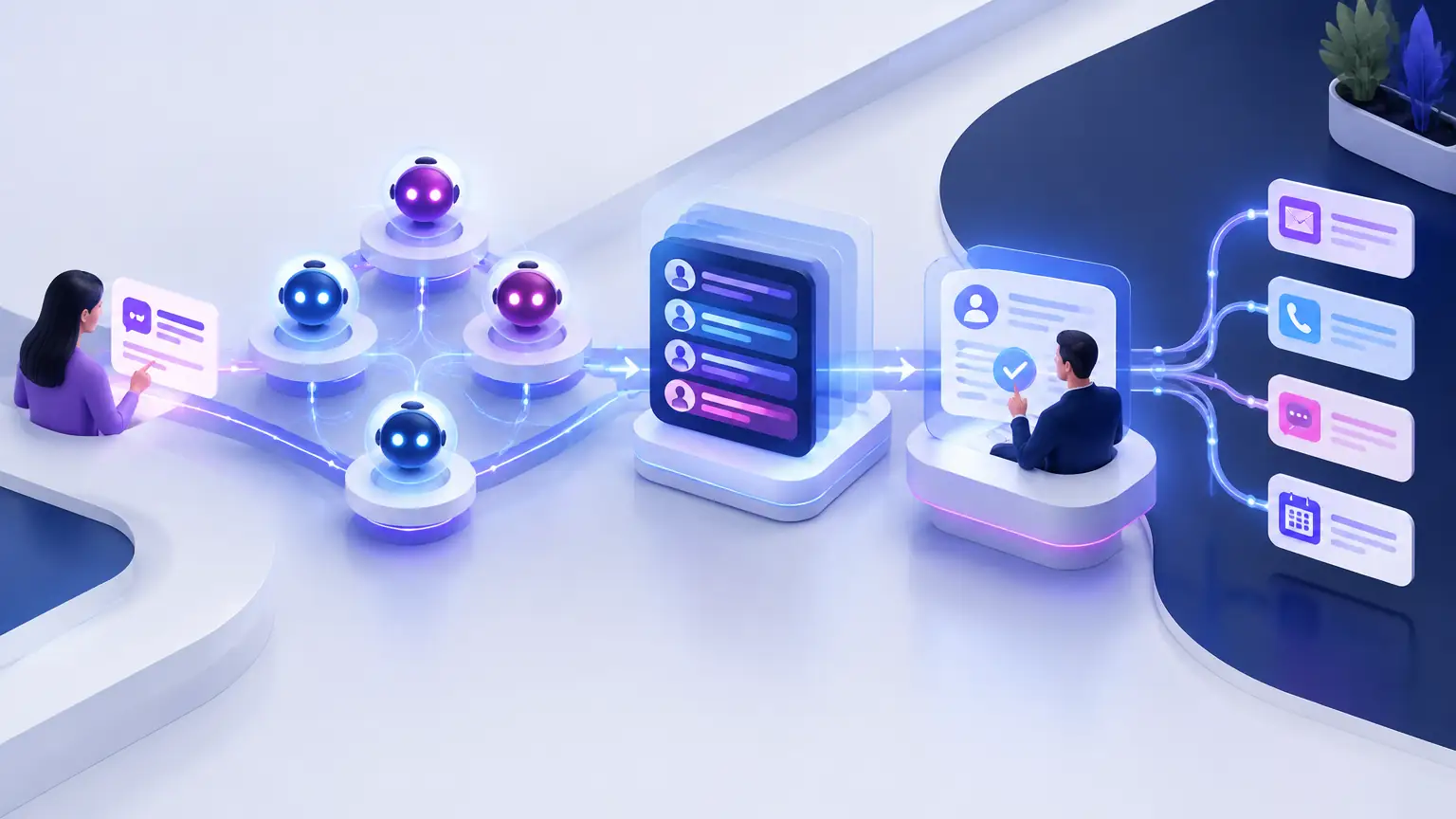
Route Leads to the Right Person in Your CRM
A small routing decision table with a fallback queue, a coverage owner and an escalation timer your business chooses.
A Manufacturer's RFQ Funnel: Collect Enough to Start a Sales Conversation
Product category, volume range, timing and service area, then an engineer and a secure drawing exchange.